
Practical SpineOn advice
There is no perfect posture at a computer. Your back mainly needs change
A monitor at eye level, an expensive ergonomic chair, and a straight back from morning to evening. It sounds like a recipe for working without pain, but in practice something simpler is often more important: not staying in one position for too long.
Prepared by the team at SpineOn

The problem may not be one “bad” posture
When working at a computer, people often look for the one correct posture they should maintain for hours. The body, however, is not a static structure. Even a position that feels comfortable at first can lead over time to stiffness, pressure in the lower back, tension between the shoulder blades, or neck pain.
When difficulties arise, the total time spent in a chair is not the only thing that matters. It also matters how long the body remains unchanged, how naturally positions alternate, and whether there is room for brief movement during work. Rather than trying to stay “perfectly upright” all day, it therefore makes more sense to alternate between several comfortable positions.
Your workstation should support you, not hold your body at attention
A well-arranged workstation is not pointless. It should, however, create a comfortable foundation rather than force the body into one exact position. You can start with these points:
- position the monitor roughly at eye level so that your head does not remain tilted down for long periods,
- keep the keyboard and mouse close enough that your shoulders do not have to reach forward,
- rest your feet on the floor or on a firm support,
- use the chair back instead of constantly “holding” your back upright,
- arrange work equipment so that you can change position naturally during the day.
A height-adjustable desk can be useful, but it will not solve the problem on its own. Standing still for a long time is still a prolonged static position. The desk's main advantage is that it makes it easy to alternate sitting, standing, and brief movement.
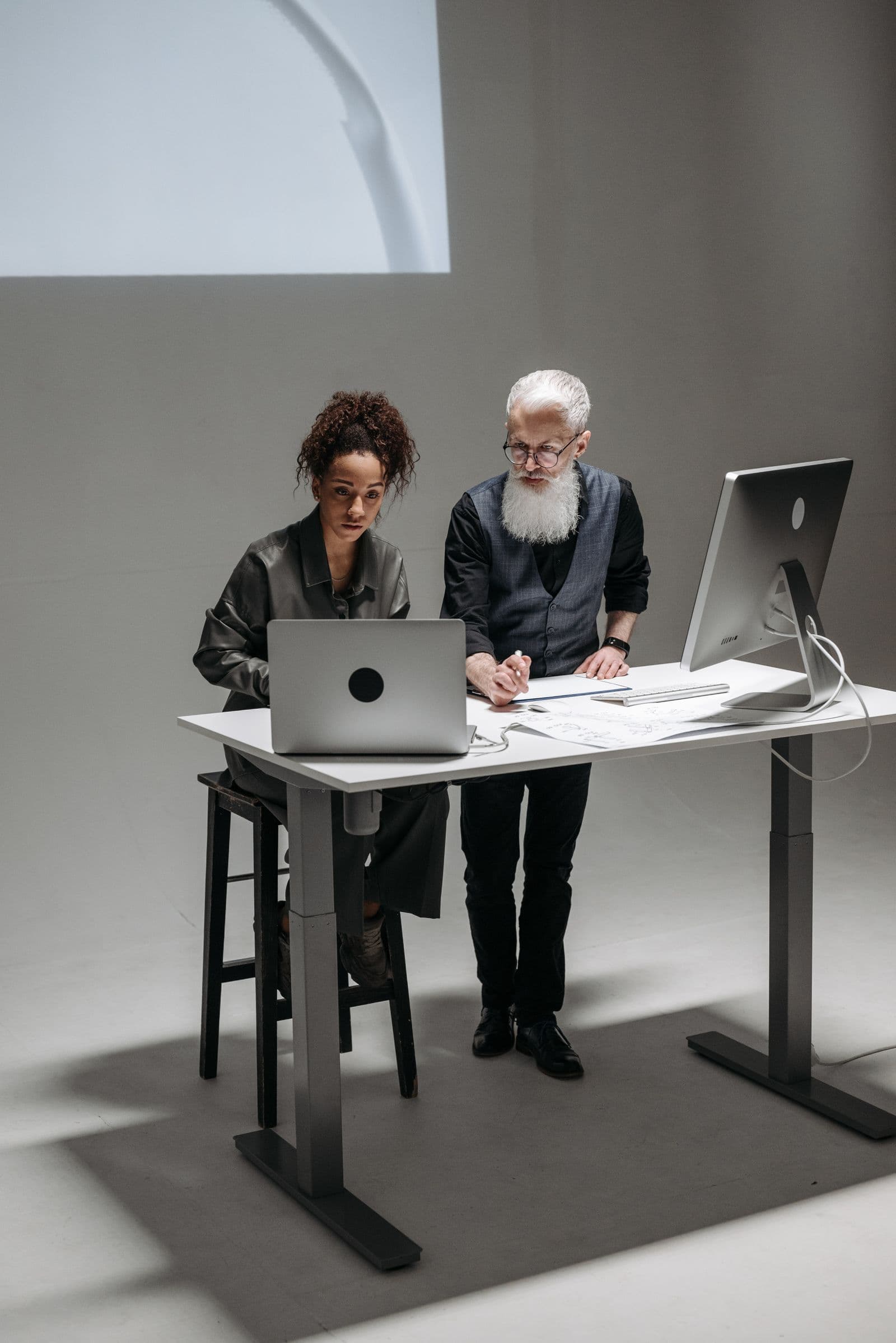
An active break does not have to last ten minutes
A break does not have to mean stopping work for a long time. A brief change is often enough: stand up during a phone call, walk to get water, release your shoulders a few times, or do a short task while standing.
Active breaks that involve changing position can reduce discomfort without disrupting the working day. Instead of following one rigid universal rule, it is more practical to establish a rhythm you can realistically maintain.
- Change position approximately every 30 to 60 minutes. It does not always have to be exercise.
- Add brief movement several times a day. Walking, moving your shoulders, or gently mobilising your spine is better than another hour without change.
- After work, choose an activity that loads your body differently. Walking, cycling, swimming, or appropriate strength training can provide what is missing during the working day.
What if pain continues after adjusting your workstation?
Ergonomic adjustments can remove some unnecessary strain, but they do not automatically explain every pain. If symptoms repeatedly return, pain radiates into an arm or leg, numbness, weakness, or significant restriction of movement develops, or the problem disrupts sleep, contact a doctor.
Contact a doctor if symptoms persist. It helps to describe not only how you sit, but also which movements or activities make symptoms better or worse. Changes to habits and appropriate movement do not replace a doctor's assessment of the cause of pain.
You can find more information on our pages about neck pain, lower back pain, and deep spinal muscle function testing.
A simple work plan for the next week
Instead of completely rebuilding your office, spend seven days observing just three things:
- how much time passes without a change of position,
- which activity causes pain or tension to begin,
- which brief movement or position brings noticeable relief.
This kind of record often provides more useful information than the general statement that “bad sitting” is causing the problem. It can also help you describe your symptoms more precisely when talking to a doctor.
Interactive check
What does your working day look like?
Select the habits you realistically manage to maintain during a normal day. This is not a test or a diagnosis—the aim is to quickly identify room for one practical change.
You can start with one small change that is realistic to maintain during the day.
Frequently asked questions
Select a question to expand the answer. Only one answer remains open at a time.